

Historical: Linux-based prototype
Desktop architecture
This page documents the earlier Linux-based prototype as of 24 November 2026. It does not describe the independent Khelforge OS, and its steps are not instructions for it. See the independent Khelforge OS.
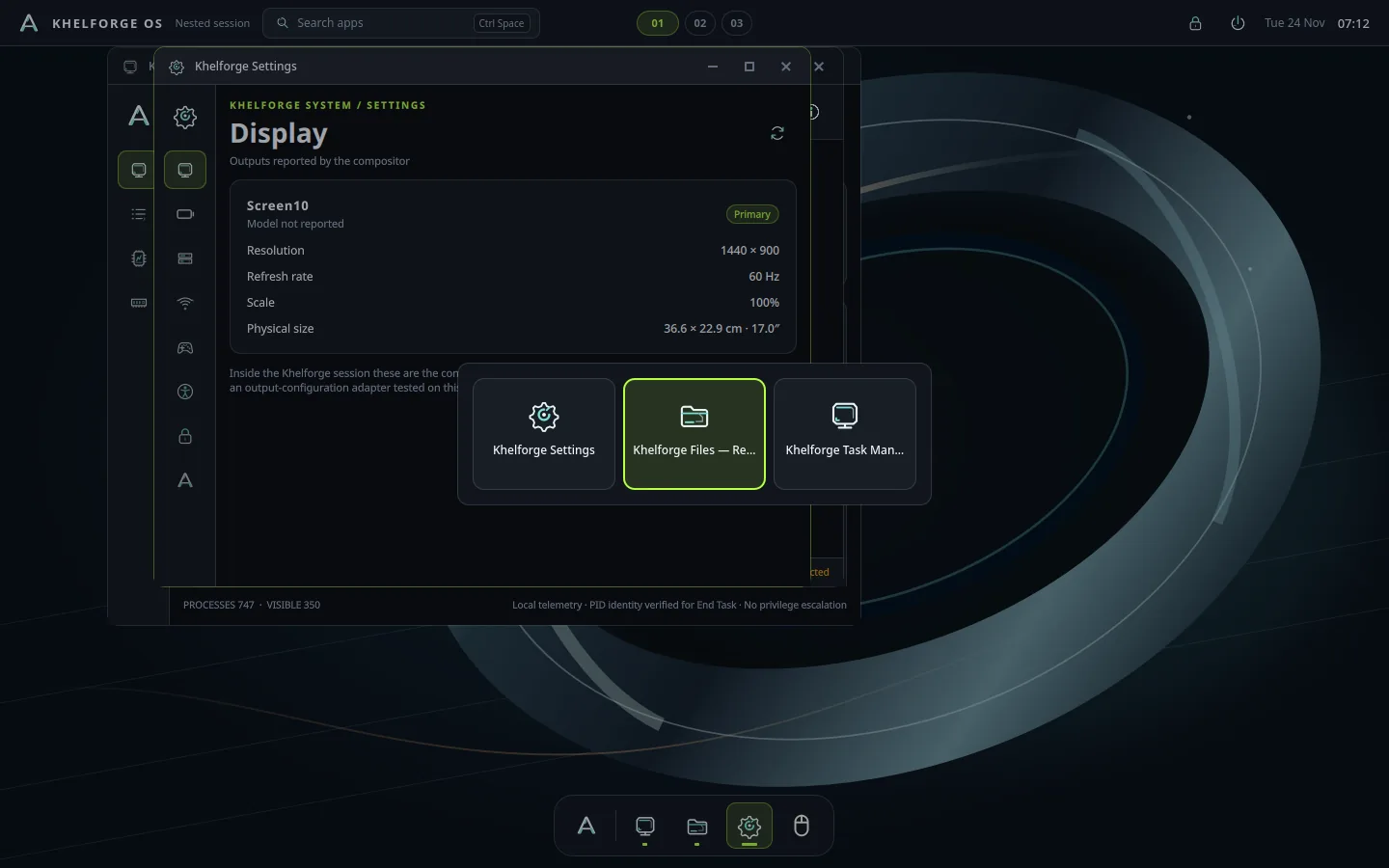
Khelforge has its own desktop. One program draws the top bar, the dock and the windows, and it is also the Wayland server that applications connect to. It is not a theme on KDE, GNOME or another desktop. It works in a development session and in a disposable virtual machine. It is not released, and several parts people expect from a desktop do not exist yet.
The layers
Section titled “The layers”Diagram as text
- Screen and input → cage
- cage → Compositor and shell
- cage → Login screen
- Compositor and shell → Applications
- Compositor and shell → logind
- Screen and input: your hardware
- cage: display host
- Compositor and shell: windows, top bar, dock
- Login screen: before sign in
- Applications: your windows
- logind: lock, sleep, sign out
The compositor runs in two ways:
| Mode | Where it runs | What it is for |
|---|---|---|
| Nested | A window inside another desktop | Development and automated visual tests |
| Standalone | On its own after sign-in, with cage as the display host | The session in the disposable VM |
In both modes the compositor does not open the graphics device or input devices directly. That would be a later, separate decision.
What exists
Section titled “What exists”| Part | State |
|---|---|
| Top bar, launcher and dock | Built, with a small fixed set of entries |
| Compositor | Built on Qt Wayland Compositor, one output |
| Window management, snapping and Alt+Tab | Built and tested |
| Workspaces | Three, fixed |
| Login and lock screen | Built and tested in a VM |
| Sessions and power | Built around logind, partly |
| Display settings | Read-only information. No multi-monitor, no fractional scaling |
| Accessibility | Reduced motion, keyboard use and names for controls. No screen reader testing |
| Themes | One fixed dark palette |
| Notifications, quick settings, system tray | Not built |
How it was tested
Section titled “How it was tested”Unit tests cover the window rules, the launcher, the lock and session control. Automated visual tests drive the real session without a screen at 1024×768, 1920×1080 and 3840×2160. The virtual machine suite signs in, locks, suspends and signs out like a person would.
Known limitations
Section titled “Known limitations”- The standalone path has been checked in virtual machines only. No real graphics card has run it. Nested sessions have run on one development laptop.
- A desktop test on real hardware, several monitors and display hot-plug are not done.
- The project has not chosen the long-term direct display path. The present one is a first path, not the final one.