

Historical: Linux-based prototype
Installer application
This page documents the earlier Linux-based prototype as of 24 November 2026. It does not describe the independent Khelforge OS, and its steps are not instructions for it. See the independent Khelforge OS.
The installer is a full-screen application that downloads Khelforge while it installs it. The interface, its core library and its privileged backend exist and are tested in disposable virtual machines. It cannot be used by anyone outside the project yet: there is no live image to boot.
This page is about the application. The process and the safety rules are in the installer section.
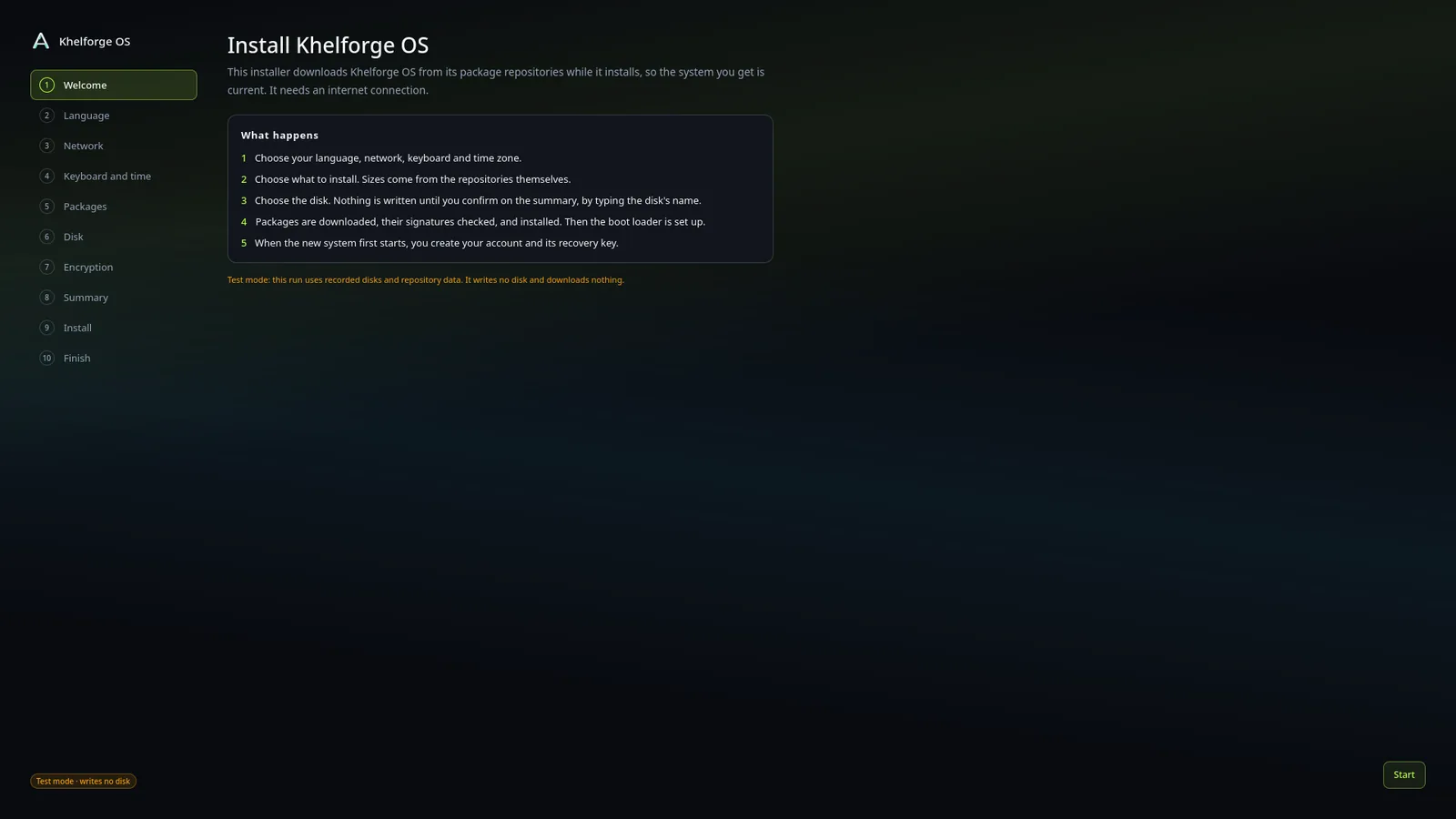
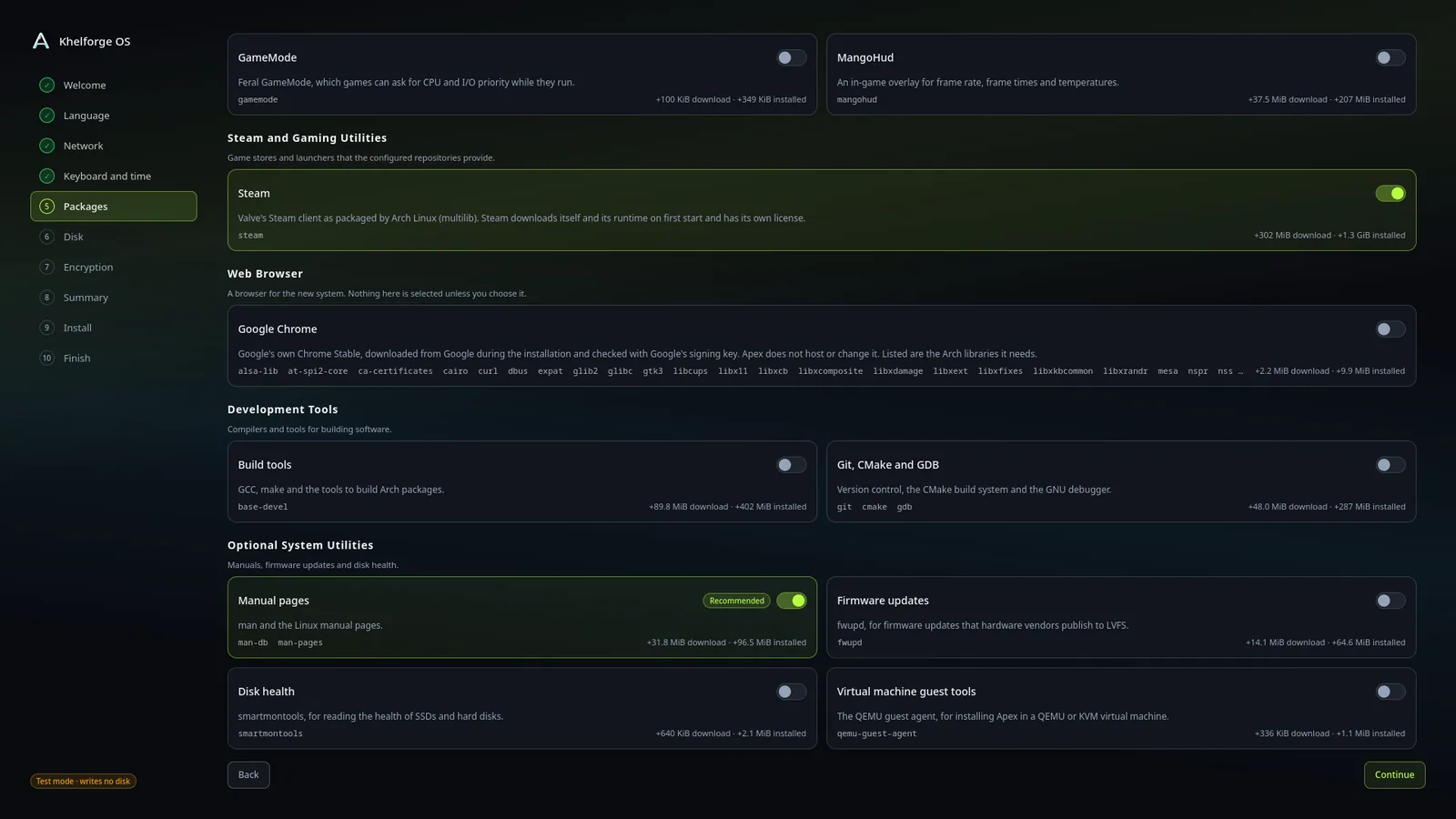
Welcome, Language, Network, Keyboard and time, Packages, Disk, Encryption, Summary, Install, Finish.
The list of steps stays on the left. Nothing is written until the Summary page is confirmed, and erasing a disk needs the disk’s path typed. After that the Install page shows real progress only.
| Part | Role |
|---|---|
| Interface | Draws pages and collects choices, without extra privileges |
| Core | Keeps your choices and applies the rules that protect a disk |
| Backend | Does the work that needs administrator rights on the live system |
The backend checks every disk, language, layout and option itself.
Test mode
Section titled “Test mode”The interface can run on recorded data, which is how the pictures on this page were made. In this mode it writes no disk, and a badge says test mode. It can also show the error pages for no network and failed downloads. Development builds refuse any disk that is not marked as a test disk.
Security boundaries
Section titled “Security boundaries”- The interface has no root access.
- A Wi-Fi password is sent only to a secured network.
- Wi-Fi names and other names from outside are shown as plain text.
How it was tested
Section titled “How it was tested”Unit tests for the package options, the disk checks, the installation plan and the backend. Visual tests at 1920×1080 and compact sizes, with offline and failure scenarios. A VM test installs the pinned package set from a local mirror onto a virtual disk.
Known limitations
Section titled “Known limitations”- No live image, so it cannot be started on a computer.
- Downloading from the public Arch mirrors is planned, not done.
- It offers the whole disk only. No resizing and no dual boot.
- The interface is in English. The language choice applies to the installed system.
- Only disposable virtual disks have been written.
What is planned
Section titled “What is planned”The live image and installing from real mirrors. See the roadmap.